Training
Upload DEXA, InBody or smart scale results into Pelaris
Last updated
If you have paid for a clinical DEXA scan, stepped onto an InBody or Evolt machine at your gym, or tracked your weight on a smart scale, those numbers belong in the same place as your training log.
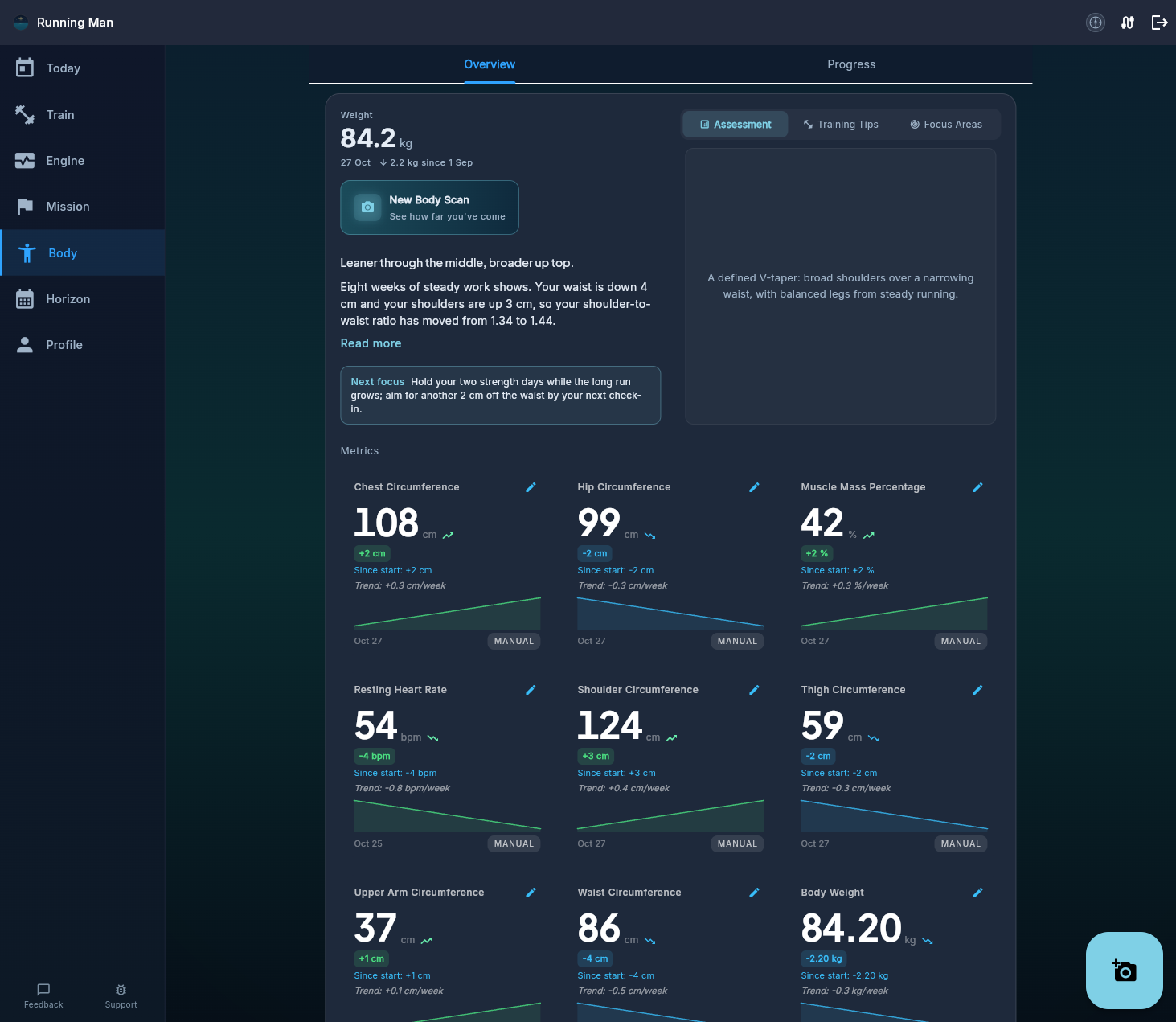
Pelaris lets you upload any written record of your body composition or tape measurements on both the web app and mobile apps. You review every extracted figure before it is saved, and your measured results sit right beside your AI photo scans as a baseline anchor.
What you can upload
You do not need a special export format. Pelaris reads:
- Clinical DEXA body composition reports: PDF or photo of the printed summary sheet.
- InBody, Evolt 360, Tanita or Seca result sheets: PDF, app screenshot, or photo of the thermal printout.
- Smart scale screenshots or screen photos: Garmin Index, Withings Body Scan, Renpho, Eufy, or Apple Health / Health Connect summaries.
- Coach or physio measurement sheets: A clear photo of a tape-measure or skinfold table, or a handwritten note. Handwritten notes can be tricky for optical recognition to read cleanly, so Pelaris always shows you the extracted numbers on a confirmation screen before saving. You have the final say on every field.
Step-by-step: upload a result in Pelaris
Quick Upload Flow (Web & Mobile)
- Open Pelaris on your phone or at coach.pelaris.io and go to the Body tab.
- Choose Add check-in (or Upload a result from the check-in sheet).
- Select your PDF, screenshot, or photo of the DEXA, InBody, or scale sheet.
- Check the extracted numbers: verify the test date, weight, body fat percentage, lean mass, and any tape measurements. Edit or clear any field you do not want to bring across.
- Tap Confirm and save. The entry lands on its actual test date in your Body timeline.
What Pelaris brings across (and what it leaves out)
Pelaris focuses strictly on training and body composition metrics. Clinical diagnostic fields and bone mineral density scores are deliberately excluded.
| Source Document | Metrics Extracted for Your Confirmation | What Is Left Out |
|---|---|---|
| DEXA Scan Report | Test date, total body weight (kg), total body fat %, fat mass (kg), lean soft tissue mass (kg), and regional lean symmetry notes | Bone mineral density (BMD), T-scores, Z-scores, and patient ID headers |
| InBody / Evolt Sheet | Test date, weight (kg), Skeletal Muscle Mass (SMM, kg), Percent Body Fat (PBF %), fat-free mass (kg), and segmental lean balance | Clinic billing metadata and raw multi-frequency impedance ohms |
| Smart Scale Screenshot | Date, body weight (kg), estimated body fat %, and skeletal muscle or lean mass (if shown) | Metabolic age estimates and bone mineral estimates |
| Tape / Coach Note | Date, weight (kg), shoulder, chest, waist, hip, arm, thigh, and calf circumferences (cm) | Unrelated medical or physio clinical notes |
How measured results and photo scans work together
Every body composition method has a different job. We cover the trade-offs in detail in our comparison of DEXA, bioimpedance, 3D scanners and AI photo analysis.
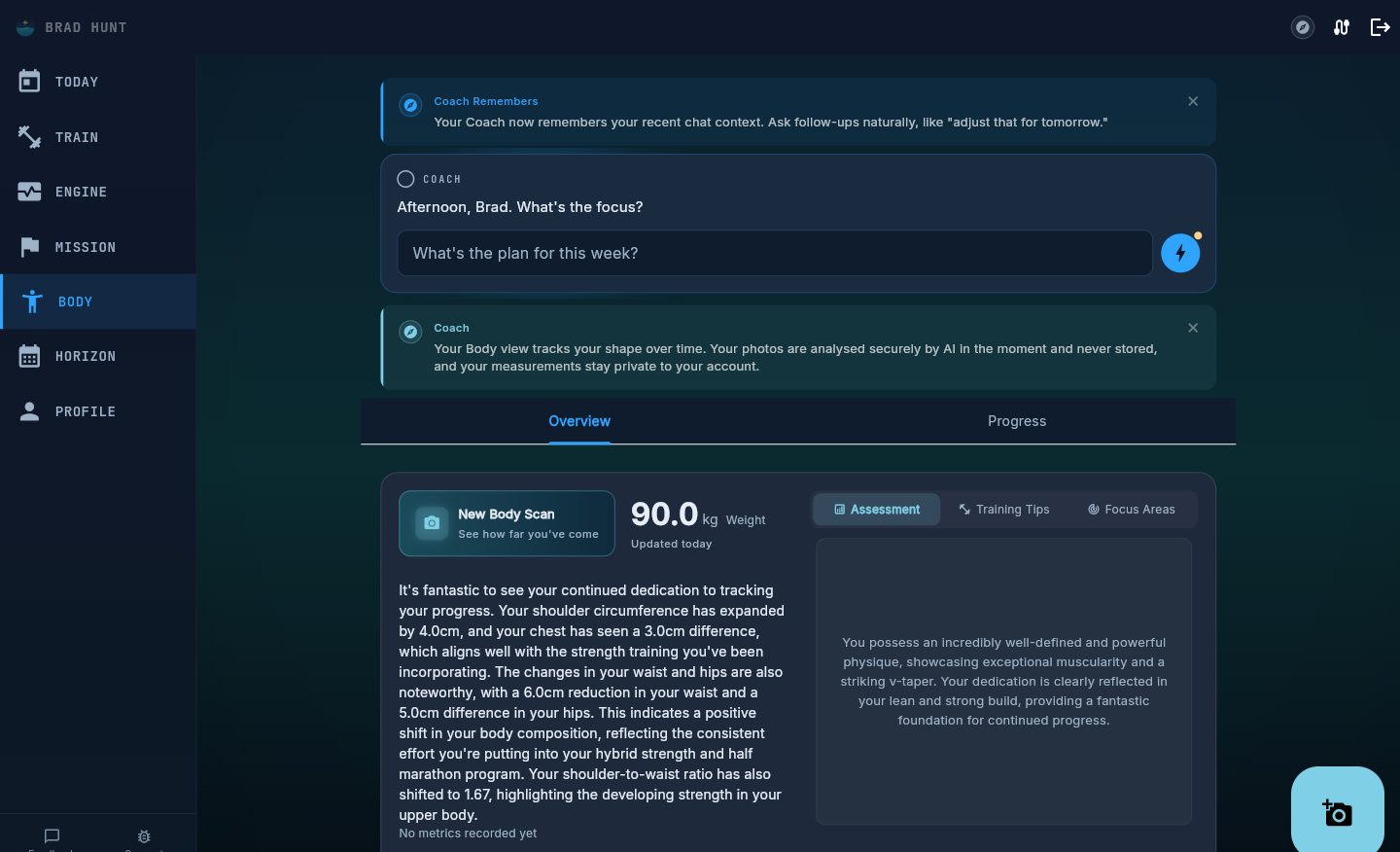
Inside Pelaris, your uploaded lab sheet and your two-photo scans complement each other:
- Measured numbers lead. When you upload a DEXA or InBody sheet, Pelaris labels it clearly as a measured result from that source and uses it to anchor your baseline.
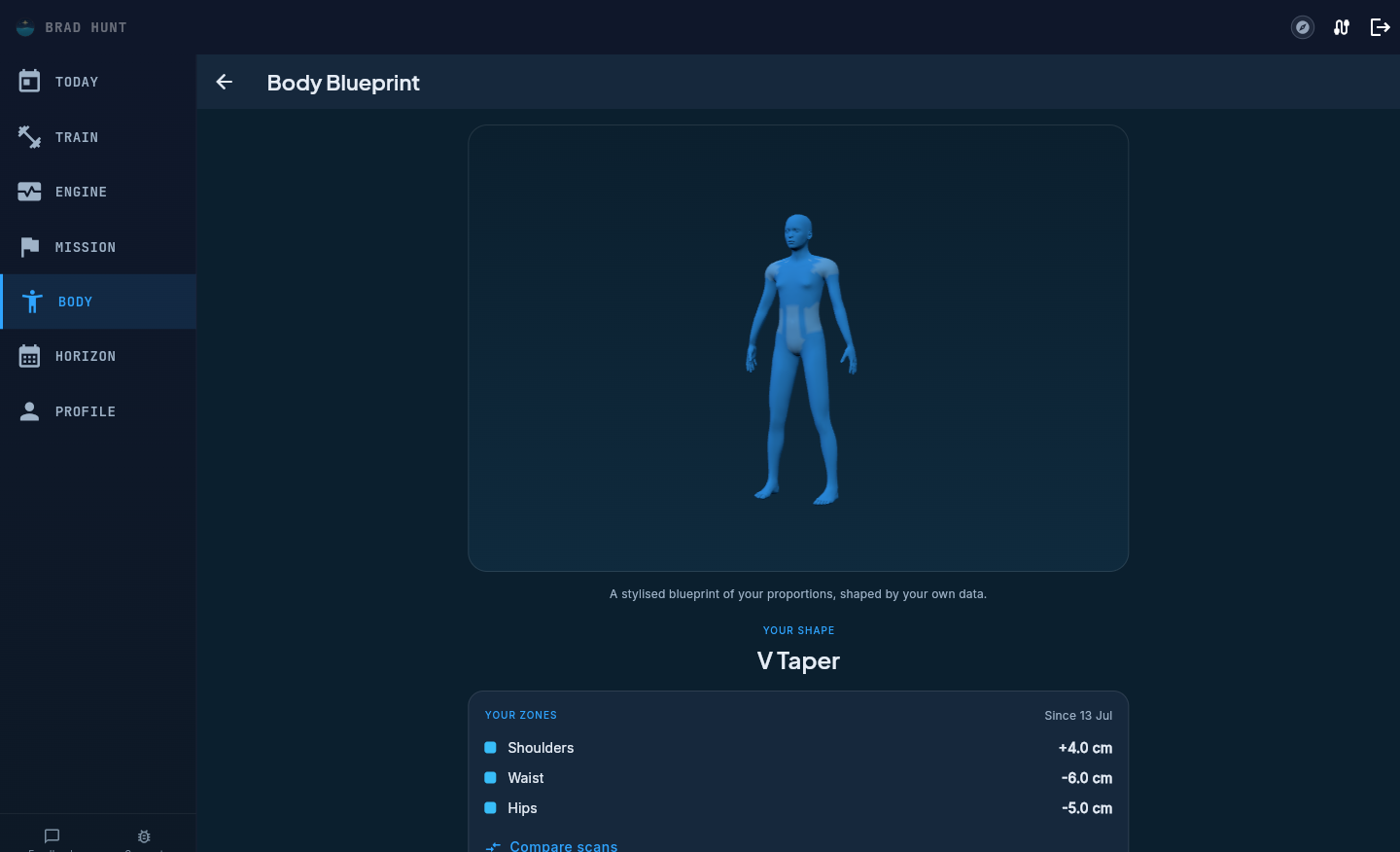
- Photo scans fill the gap between clinic visits. Few athletes book a DEXA scan more than once or twice a year. Taking a two-photo check-in every two to four weeks lets you watch your shoulder, waist, and hip proportions and your 3D Body Blueprint move across a training block while your measured anchor keeps the overall range grounded.
- Backfill older scans to build a multi-year timeline. If you have PDFs or photos of DEXA or InBody scans from last year, upload them too. Pelaris reads the test date printed on the sheet so each scan slots into its real historical date on your timeline.
Privacy and your uploaded files
We handle uploaded lab sheets and measurement notes with the same privacy rules as the rest of your training data:
- AI extraction only: Your uploaded file is read by AI to extract the numerical values you review on screen.
- Confirmed metrics saved: Only the confirmed measurements and the source label (for example, DEXA or InBody) are saved to your account timeline.
- Full control: You can edit or delete any check-in or uploaded result from the Body tab at any time.
- Transparent policy: Full details on how files and body measurements are processed sit on our privacy page and in the support hub.
Pelaris is not affiliated with InBody, Evolt, Garmin, or Withings. See all connected training and body tracking tools on the features page.