Learn
Switching from Hevy or Strong (Without Losing Your Log)
Years of sets are worth more than you think
Anyone who has logged seriously for a year or two has a quiet reason not to switch apps: the log itself. Not the streak, not the badges, but the actual record. The 5x5 you ground out in a bad week two winters ago. The bench PR with the exact date next to it. The slow, unglamorous climb on the accessory work nobody watches.
Hevy and Strong are both genuinely good at capturing that. They are fast, they stay out of the way mid-set, and they have earned the loyalty they have. The problem was never the tracking. The problem is that switching to anything else has historically meant starting from zero, and starting from zero is a real cost, not a sentimental one.
This guide removes that cost. Export from your current app, bring the file across, keep the log.
Why the history actually matters
There are three concrete reasons to carry your history rather than draw a line under it.
Your PRs are the reference points everything else is measured against. A personal record is only meaningful next to the date and the rep count that produced it. A PR tracker that starts empty will happily tell you that today’s 100kg bench is a new record, which is not useful if you pressed 110kg in March. Carrying the history means the first “new PR” you see is a real one.
Progression baselines need something to progress from. Progressive overload is a comparison, not a number in isolation. Without last month’s working loads there is nothing to compare against, so any program built on day one is guessing at your starting point rather than reading it.
A coaching layer is only as good as its inputs. This is the part specific to Pelaris. The AI coach adapts the next week from what you logged in the last few, so an imported history means it arrives already knowing roughly what you can do, instead of spending a month finding out.
Export from Hevy
Hevy lets you export your workouts as a CSV from your profile settings. The official walkthrough is Hevy’s help centre article on exporting your data, and it is worth opening alongside this page, since Hevy’s own documentation is the source of truth if their menus move.
In the Hevy app, the route runs through your profile:
- Open the Profile tab.
- Tap the settings gear.
- Choose Export & Import Data, under Preferences.
- Choose Export, then Export Workouts.
Hevy also offers the same export from the web at hevy.com, under Settings, where the option is labelled Export Workouts (CSV). Either route produces the same thing: one CSV covering every workout you have logged. Measurements export separately, so if you have been tracking bodyweight or girths, grab that file too while you are in there.
Menu path illustrated
Ends with one CSV covering every workout you have logged.
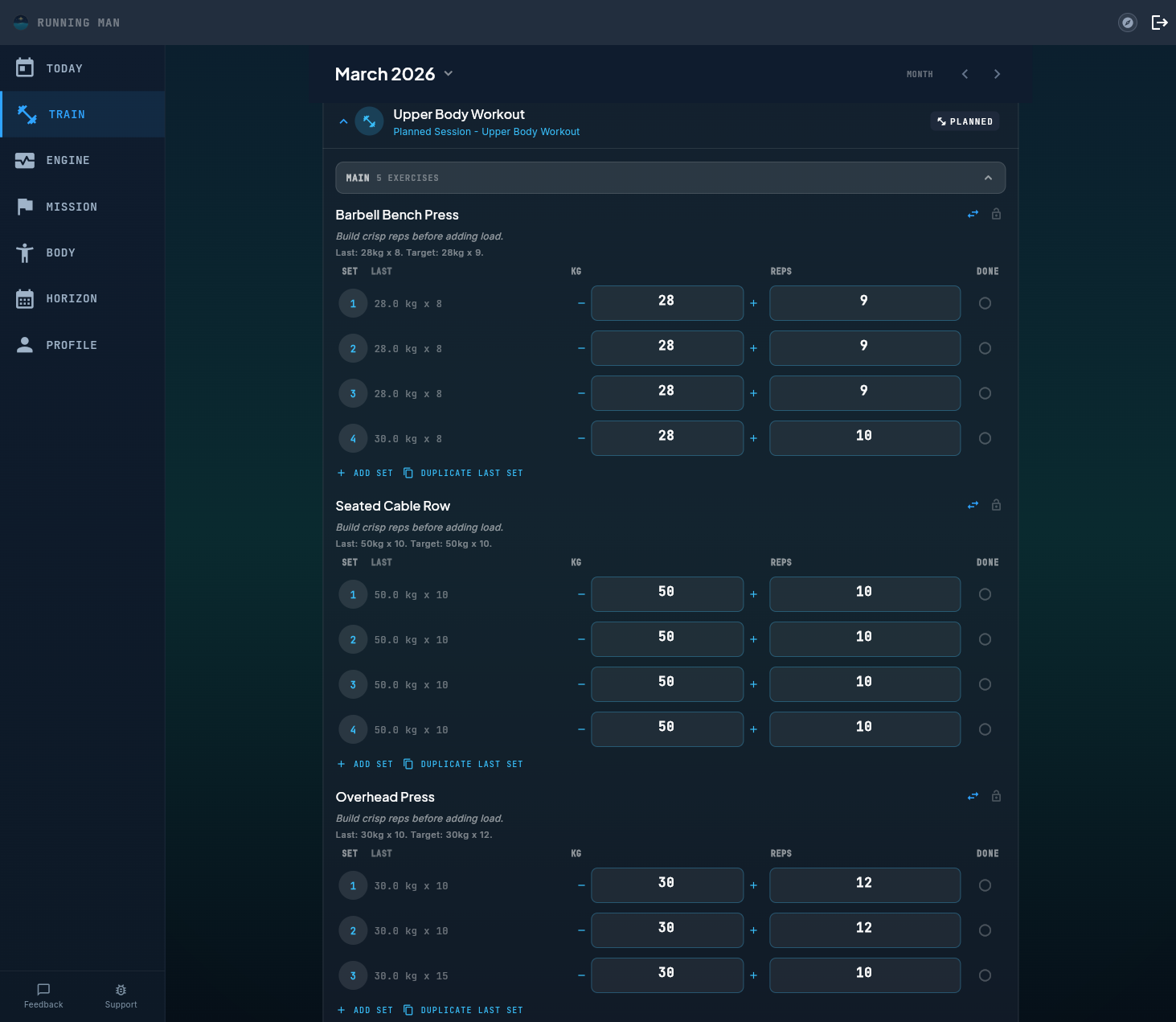
Left: our own illustration of the Hevy menu path, not a screenshot of Hevy. Right: a real Pelaris screen. Your Hevy export becomes your Pelaris history, PRs included.
Export from Strong
Strong keeps it even shorter. Its official documentation, Strong’s help centre article on exporting workout data, gives the whole path in two steps, and the label differs slightly by platform:
- Open Strong’s in-app Settings.
- On iOS, choose Export Strong Data. On Android, choose Export Data.
That produces your workout history in CSV, spreadsheet friendly, ready to hand to anything that reads a CSV. One thing worth knowing before you start: Strong’s own documentation notes that exported files cannot be imported back into Strong. So treat the CSV as your portable copy rather than a backup you can restore into the app, and keep it somewhere you will find it again.
Menu path illustrated
Ends with a spreadsheet friendly CSV of your workout history.
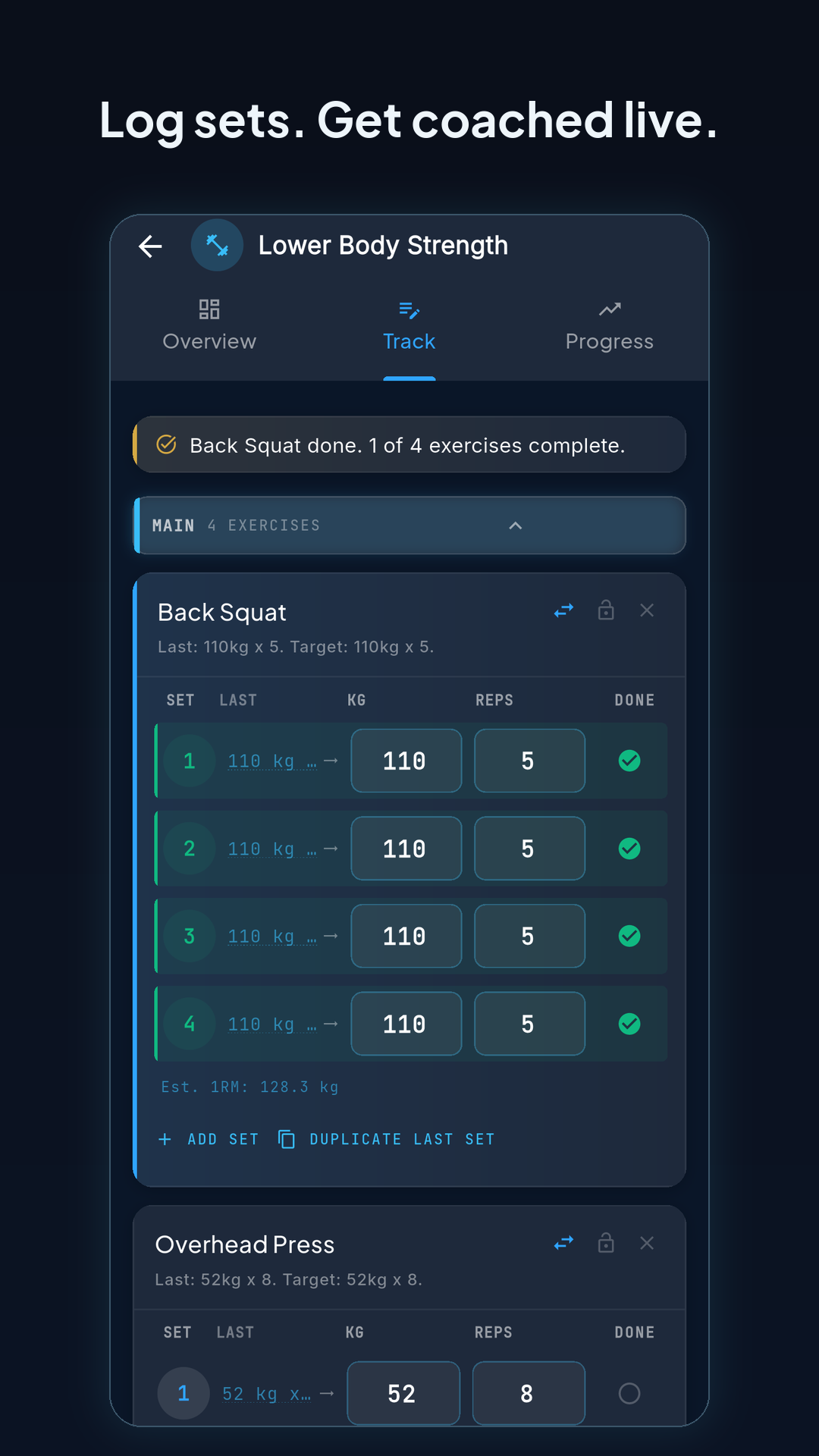
Left: our own illustration of the Strong menu path, not a screenshot of Strong. Right: a real Pelaris screen. Your years of logged sets keep counting from the first session in Pelaris.
Bringing the CSV into Pelaris
Pelaris reads the CSV your old app produced. You do not need to reformat it, rename columns, split it by exercise, or clean anything up first. Create a free account, bring the file across, and your history lands as logged training rather than as a read-only archive off to one side.
What maps cleanly. The core of a strength log is the same everywhere, and that is the part that transfers without drama:
- Exercises, matched against the Pelaris exercise library
- Sets, reps, and weight, per set rather than averaged into a session total
- Dates, so the history sits on the right days in your timeline
- Session grouping, so a workout stays one workout instead of a pile of loose sets
What is worth a look afterwards. A CSV is a spreadsheet, not a full database, so a few things need a glance rather than blind trust:
- Custom exercise names get matched to the closest library entry. Most land where you would expect. Anything the matcher cannot place is kept under the name you gave it rather than dropped, so nothing disappears, but it is worth scanning the list once so your favourite variations are grouped the way you want them going forward.
- PRs and baselines are computed from the imported sets, not copied across as stored numbers. That is usually the better outcome, because each record is rebuilt from the set that actually earned it. It does mean the numbers appear once the history is in, not before.
- Notes, RPE, and rest timers vary by app and by export version. Whatever is present in the CSV comes across. Whatever your old app did not put in the file cannot be recovered from it, which is true of any CSV move between any two apps.
- Bodyweight and measurements are a separate export in both apps, so if you want that history too, remember to grab the second file.
If anything looks off once the import lands, get in touch and we will sort it out with you. Nothing is set in stone at that point.
Run both for a week. Seriously.
The best way to decide is not to decide yet. Keep Hevy or Strong installed, import your history into Pelaris, and log in both for a week or two. It costs you a few extra seconds per session and it replaces a guess with an answer.
What you are actually comparing over that fortnight is not the logging screen, because all three apps are fast and competent there. It is what happens between sessions. Pelaris is a workout tracker with a coaching layer on top: the plan for next week is built from what you logged this week, rather than sitting in a spreadsheet waiting for you to update it manually. That difference does not show up in a feature list. It shows up on the Tuesday after a rough weekend, when the session in front of you has already accounted for it.
If you want the side-by-side written out properly, we keep an honest comparison for each: Pelaris as a Hevy alternative and Pelaris as a Strong alternative. Both are worth reading with a sceptical eye, including the rows where the other app wins.
Log on whatever you have to hand while you trial it. Pelaris runs on iOS, Android, and the web, with the same account and the same history across all three, and getting the apps takes a minute.
No lock-in, in both directions
The reason switching costs feel so heavy is that most apps are happy to take your data in and much less enthusiastic about letting it out. That is the trap this guide exists to defuse, and it would be hollow if Pelaris then became the same trap in a nicer colour scheme.
So: exporting your training data out of Pelaris is free, uncapped, covers your full history, and always will be. Every set, every exercise record, every benchmark, in CSV, whenever you want it, without asking anyone. If Pelaris stops earning its place in your week, you should be able to leave with everything you brought and everything you built while you were here.
That is the deal. Bring your years of work with you, keep training, and hold us to the same standard you are holding your current app to right now.